
-
Microsoft System Center Configuration Manager 2007 – Software Metering (Part 13)
Posted on March 23, 2013 by Michael in Studying, Tutorials
In this short blog we will be looking at software metering and usage.
Wouldn’t it be nice to see if the user’s who have requested some expensive piece of software are actually using it and need it, as oppose to just “wanting it” because someone else does!
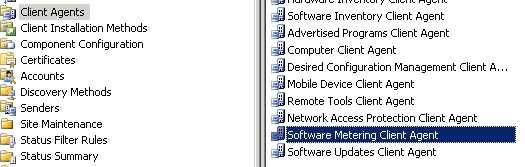
We start with the client agent (like normal), and making sure the software metering client agent is enabled

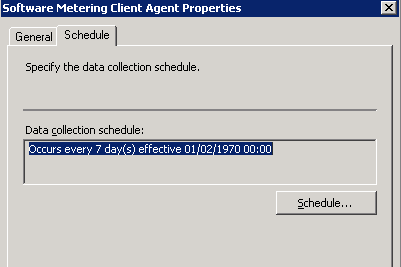
By default the schedule is set to a week (to retrieve the information from clients). You can change this to suit
Once enabled client side let move down to the software metering section under computer management
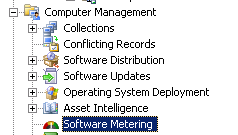
You will see there are a number existing software metering rules in place for a range of default programs. As you can see all of them are set to disabled by default

Lets enable software metering for the default rule “notepad.exe”
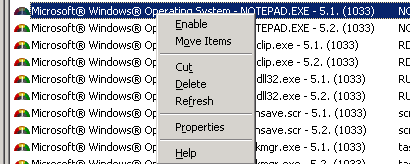
Right click > properties, and we can take a look at what this rule is actually made up of.
We specify a file name, version, and also the usual security permissions

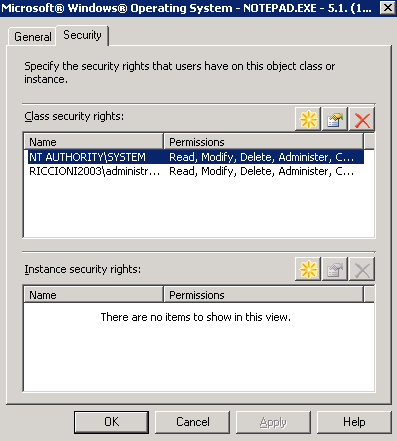
Now we have a brief idea of what “goes in” to a software metering rule lets create our own.
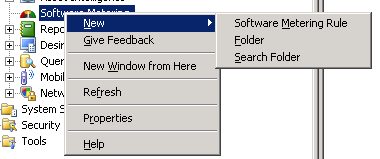
This rule will meter the usage of Microsoft Word (any version)
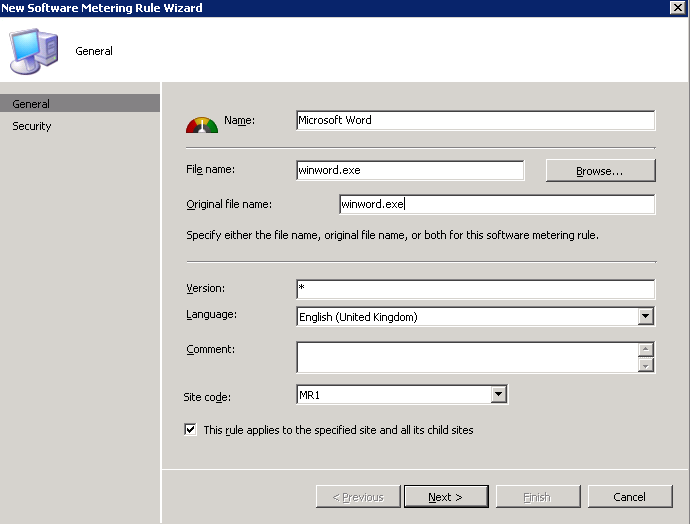
I’ll leave the default security settings

We now have our software metering rule.

Now we have our rule we need to report on it, let’s drop down to reports, we will see there are a number of pre-defined software metering reports.

In this example i’ll use the below pre-defined report

Select “run”
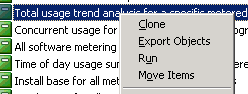
And fill out the required details

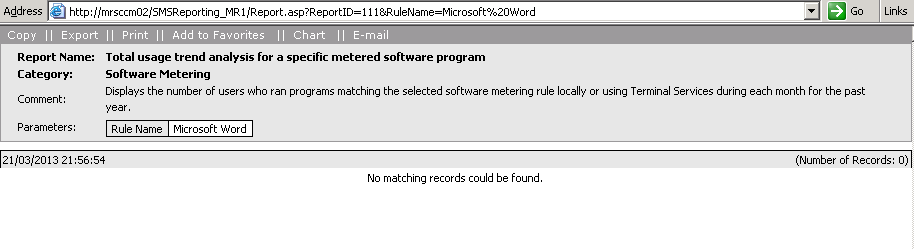
As we’ve only just created this rule there is no data (remember it run’s once a week by default) but you get the idea of where to find this information when you need it.
And that’s that!. Pretty short blog for software metering as there really isn’t much to it….