
-
Editing UAG Invalid IP Address or Failed to add TMG Access Rule Troubleshooting
Posted on October 14, 2014 by Michael in Latest News, Troubleshooting, TutorialsHad another interesting issue with the UAG’s today. Once again they like to test my patience.
This time they decided they would no longer activate, and after searching about I could see nothing on this topic so hopefully this helps others.
You may get one of the following errors:
“Failed to add TMG access rule”, “Firewall settings could not be configured”, “Cannot create a file when that file already exists”

“Trunk cannot be activated due to the following: Invalid External IP address”
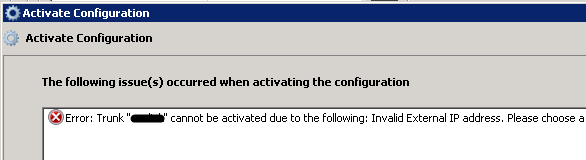
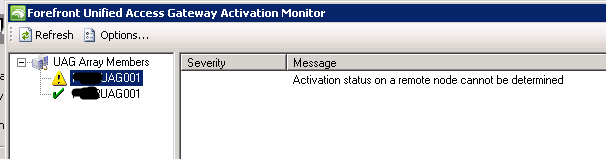
UAG config only activates successfully on one device (if in a managed array)
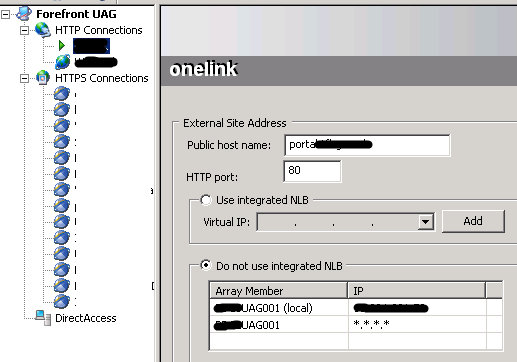
The first item I noticed was the first error was complaining of a specific trunks IP address. After looking at the IP address on the trunk I noticed the IP was a different range to what it should be.

In this instance the IP was ***.***.230.***, when it should be ***.***.231.*** which is the address range assigned to the WAN port of the UAG. (Old IP shown above)
New IP:

Unfortunately this did not resolve the issue and still received the error. After looking at the HTTP trunk I noticed for this service the IP was showing as *.*.*.* so update this and still it would not activate
When I looked at the error again I could see the error it was giving me was in relation to the following IP ***.***.231.50.
I decided to check which trunk was using this IP. None of the trunks were using it which meant it was not actually in use.
I decided to go on to the WAN Nic of the UAG and remove it from within the advanced properties.
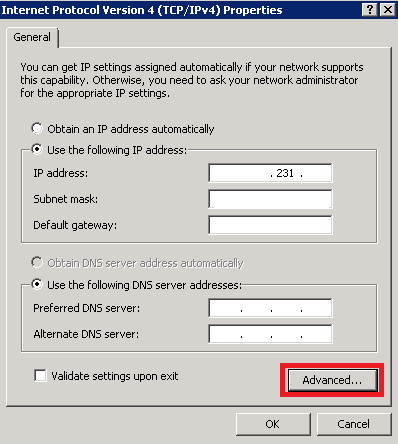
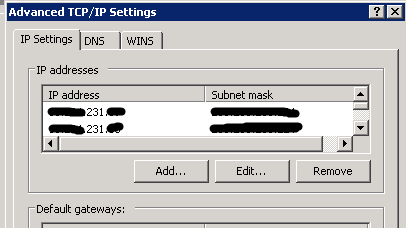
After doing the above, I then tried to activate the Config again, and this time it went through fine….
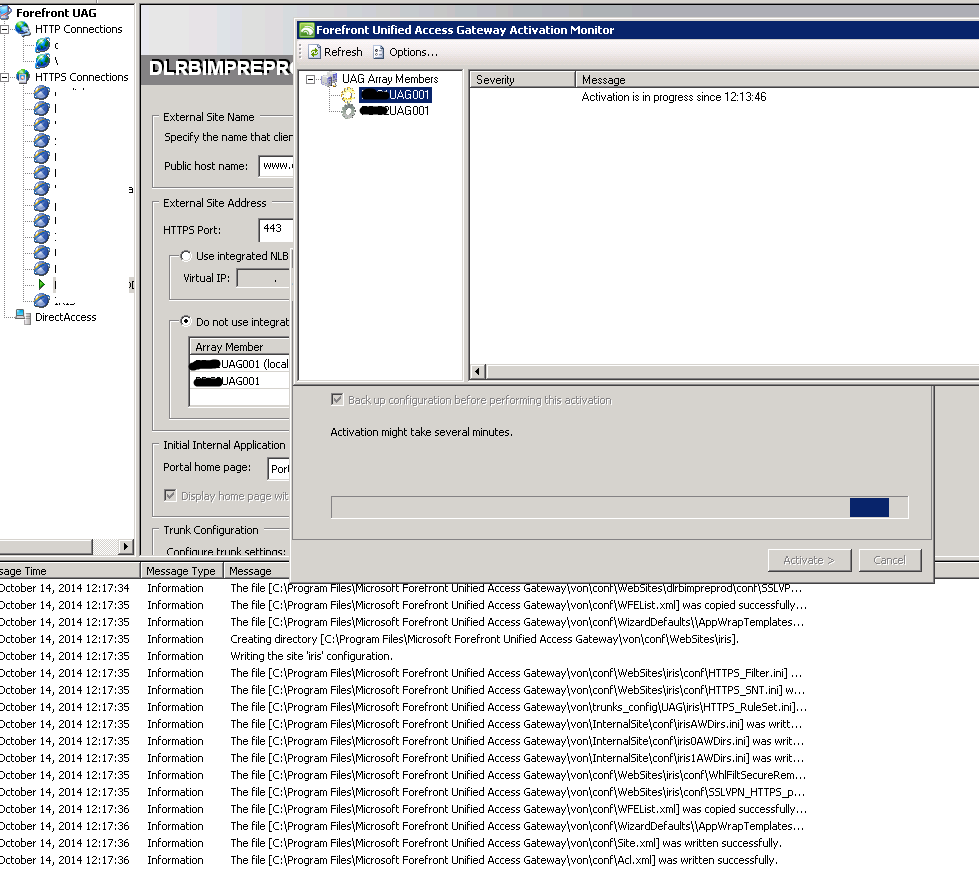

Once activation had completed, all the live services started working again. Happy days.